My Lists 3

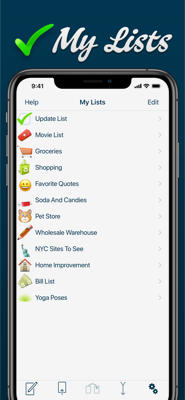
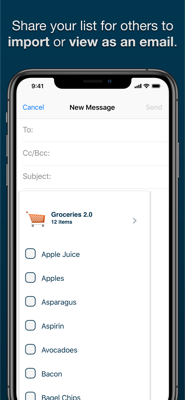
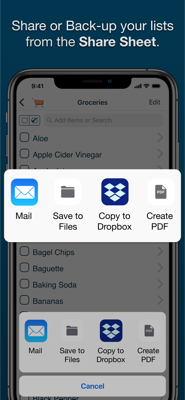
Are you looking to organize your life a bit more? My Lists is a simple GTD-style application that allows you to track almost anything you can think of. Grocery and shopping lists, catchy songs you hear on the radio, movies to rent, books to read, restaurants to try — any list can be just a touch away and shared with your friends via Mail, Messages, AirDrop, iCloud Drive, other cloud services and more!
Proudly NOT collecting your private data for over a decade — We debuted on the App Store on July 13th, 2008. Not once have we asked users to sign away data about themselves or their lists.
Version 3.0:
- My Lists 3 is a huge update:
- Updated for newer devices, iOS versions and Retina screens
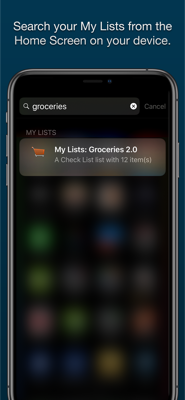
- Find Lists and List Items in Spotlight
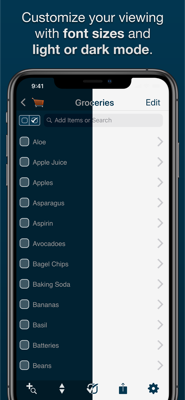
- Adds Themes (Light and Dark)
- Adds Files Support
- Use the Latest Emoji for List Icons
- New non-Emoji List Icons from Paze
- New Random Sort Method (for that list of restaurants you want to try)
- Features include:
- iOS 12 and 2018 Device support
- Retina Display-worthy list icons
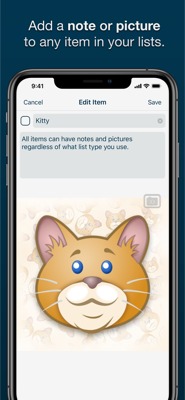
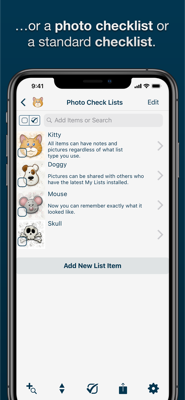
- Add PHOTOS to any list item
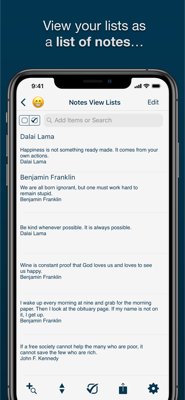
- 3 List View: Checklist, Photo Checklist and Notes
- Updated Visual Help System
- Automatically group checked items
- Show count of unchecked items on Main List View
- Search functionality which searches both item titles and descriptions.
- Search based on status by searching for the terms "checked" and "unchecked"
- Email backup of individual lists
- Email visual versions of individual lists
- Export or backup any or all lists
- Visual count of checked items in list title (optional)
- Reorder lists alphabetically or based on checked/unchecked
- Manually order list items in "Edit" mode
- Check or uncheck all items
- Delete lists or items with a swipe
Available for iPhone, iPad, and iPod touch.
My Lists Frequently Asked Questions
Privacy Policy